
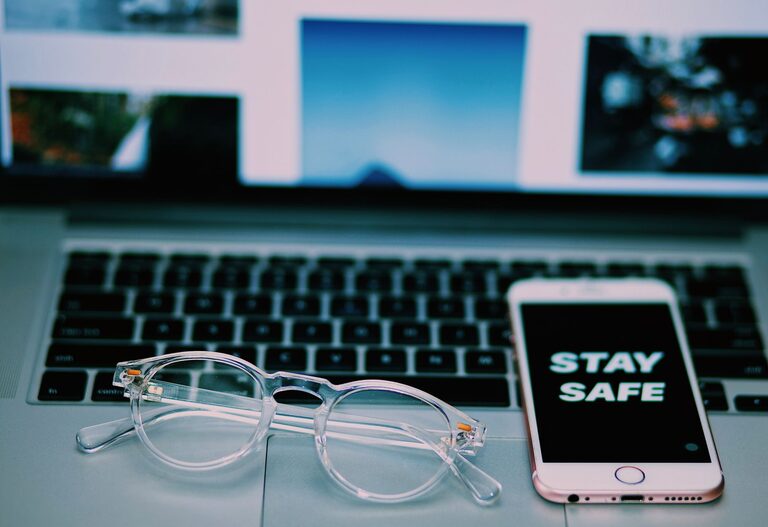
Keeping your phone and keyboard clean is essential—not just for appearance, but also for hygiene and device longevity. These everyday gadgets can accumulate dirt, oils, and germs, which can affect your health and the performance of your devices. However, cleaning them improperly may cause damage. This guide will walk you through safe, simple steps to clean your phone and keyboard effectively without risking harm.
Why Clean Your Phone and Keyboard?
Phones and keyboards are among the most frequently touched objects. They attract dust, fingerprints, food particles, and microbes. Regular cleaning can:
– Reduce exposure to bacteria and viruses
– Prevent buildup that affects performance
– Maintain the look and lifespan of your devices
Now, let’s explore how to clean these devices correctly.
How to Clean Your Phone Safely
Phones are delicate electronics with sensitive screens and openings. Follow these tips to clean yours without damage.
What You’ll Need
– Microfiber cloth (lint-free)
– Distilled water
– Isopropyl alcohol (70% or less) or screen-safe cleaning solution
– Cotton swabs
– Soft brush (optional)
– Small spray bottle (optional)
Step-by-Step Cleaning Guide
- **Power Off and Unplug**
Always turn off your phone and disconnect it from chargers or accessories before cleaning.
- **Remove the Case**
If your phone has a case, remove it and clean the case separately according to its material (plastic, silicone, leather).
- **Prepare the Cleaning Solution**
Mix distilled water with isopropyl alcohol in a 1:1 ratio if you don’t have a commercial phone cleaner. Avoid using bleach or harsh chemicals.
- **Dampen the Cloth**
Lightly spray the solution onto a microfiber cloth. Never spray directly on the phone, as moisture can damage internal components.
- **Wipe the Screen and Body**
Gently wipe the screen and phone surfaces with the damp cloth. Use circular motions and avoid excess pressure.
- **Clean Around Buttons and Ports**
Use a dry cotton swab or soft brush to remove dust and debris from ports, speaker grilles, and buttons. Do not insert anything sharp.
- **Dry the Phone**
Use a dry microfiber cloth to remove moisture and buff the surface.
- **Let It Air Dry**
Wait a few minutes before turning the phone on to ensure all moisture evaporates.
Tips for Specific Phone Types
– Touchscreens: Avoid abrasive cloths or paper towels; they can scratch the screen.
– Water-resistant phones: Even if your phone is IP rated, avoid soaking it or using excessive liquid.
– Cases: Clean phone cases regularly using appropriate methods (soap and water for silicone/plastic; leather wipes for leather).
How to Clean Your Keyboard Safely
Keyboards often harbor dust, food crumbs, and germs. Proper cleaning keeps keys responsive and the device hygienic.
What You’ll Need
– Soft, lint-free cloth or microfiber cloth
– Compressed air canister
– Isopropyl alcohol (70%) or disinfectant wipes safe for electronics
– Cotton swabs
– Small brush or toothbrush
– Mild soap and water (for external parts only, if removable)
Step-by-Step Cleaning Guide
- **Turn Off and Unplug**
For wired keyboards, unplug it. For wireless keyboards, remove batteries or turn off the device.
- **Shake Out Debris**
Turn the keyboard upside down and gently shake to dislodge loose crumbs and dust.
- **Use Compressed Air**
Blow compressed air between the keys to remove hidden dust and particles. Use short bursts at an angle.
- **Wipe the Surface**
Lightly dampen a microfiber cloth with isopropyl alcohol or use disinfectant wipes designed for electronics. Wipe all key surfaces and the keyboard body carefully.
- **Clean Between Keys**
Dip a cotton swab in alcohol and clean between the keys to remove grime buildup. Avoid excess moisture.
- **Deep Cleaning (Optional)**
If your keyboard has removable keys and you feel comfortable, carefully pop off the keys and clean the base and keys separately using mild soap and water. Ensure all parts dry completely before reassembling.
Additional Tips for Keyboard Care
– Avoid eating or drinking near your keyboard to reduce debris and spills.
– Regularly clean your keyboard to maintain hygiene and functionality.
– Use keyboard covers if you want an extra layer of protection.
General Device Cleaning Safety Tips
– Avoid Harsh Chemicals: Don’t use bleach, ammonia, or abrasive cleaners on electronics.
– Minimal Moisture: Excess water or liquid can damage internal components. Always use damp—not wet—materials.
– Gentle Pressure: Don’t press too hard when cleaning screens or keys.
– Use Proper Tools: Microfiber cloths are best for screens; cotton swabs and soft brushes help with tight spaces.
– Follow Manufacturer Guidelines: Always check your device manual or official support pages for recommended cleaning methods.
Conclusion
Regularly cleaning your phone and keyboard is simple and beneficial when done safely. Using the right materials and gentle techniques preserves your devices’ condition and reduces germs. Whether you clean weekly or monthly, these steps will help keep your technology fresh, functional, and hygienic.
Give your phone and keyboard some TLC and enjoy a cleaner, healthier tech experience!
About the Author